
Analytics view settings
The button Settings changes what a report shows without changing which entries it counts. Not every option is offered in every report: an option appears only if the report supports it.
Open and apply
Click Settings at the top right of a report, change what you need and click Apply. Your choices are saved in your browser, separately for each report and each pinned tab.
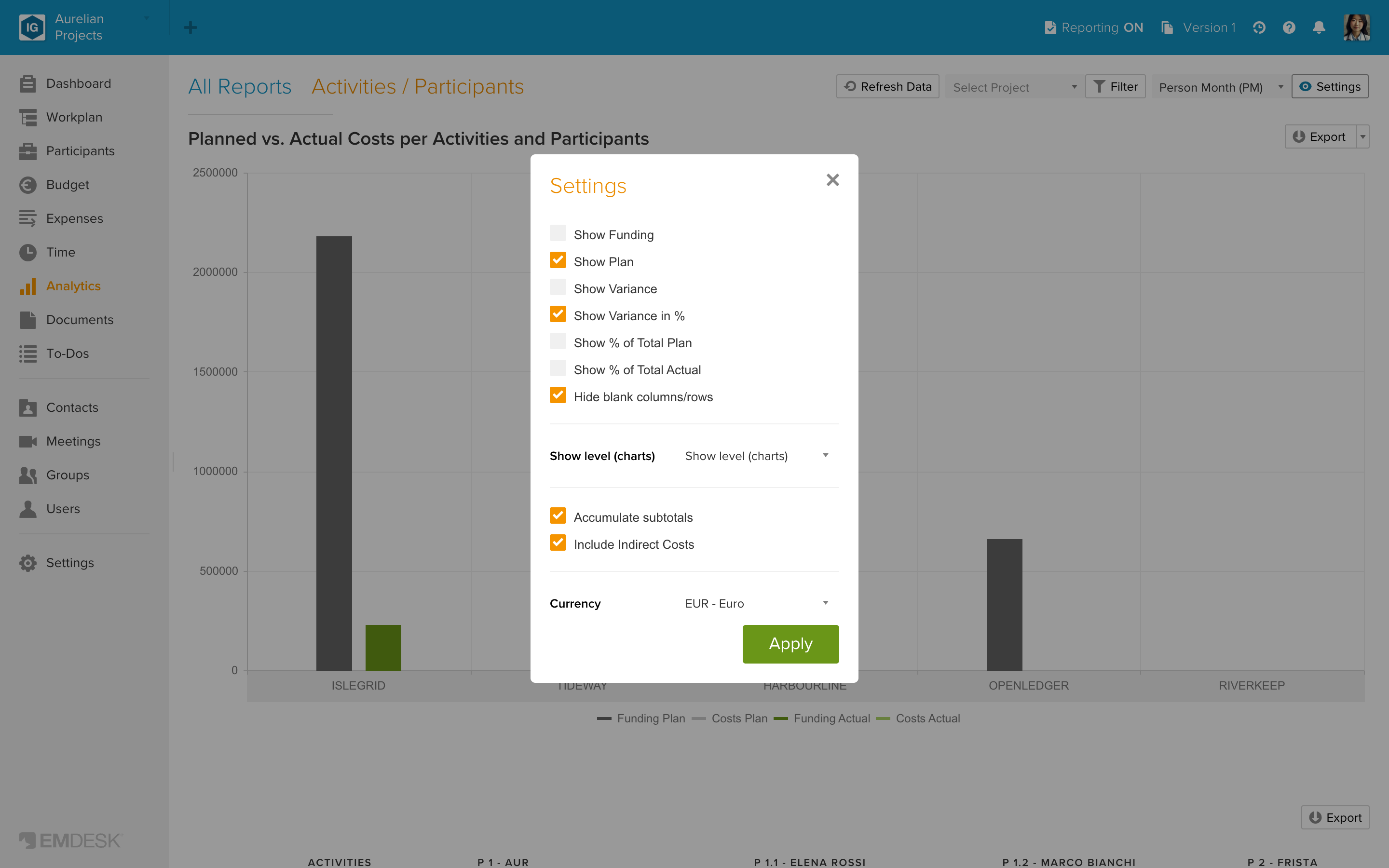
The options
| Option | What it does | Default |
|---|---|---|
| Show Funding | Adds the funding line per row. Offered only if the workspace has funding rules. | Off |
| Show Plan | Shows or hides the Plan column. | On |
| Show Variance | Shows Plan minus Actual. | Off |
| Show Variance in % | Shows Actual as a percentage of Plan. | On |
| Show % of Total Plan / Actual | Shows the share of each column in the row total. | Off |
| Hide grouped columns / Hide sub columns | In the cost category reports, hides the cost class columns or the cost category columns. | Off |
| Hide blank columns/rows | Hides rows and columns that contain only zeros. In the Time reports it hides rows only. | On |
| Show level (charts) | Chooses which level of your structure the chart shows. The choices carry the names of your levels, for example Project, WP and Task. | Top level |
| Accumulate subtotals | Adds the figures of sub-items to their parent row. | On |
| Accumulated Horizontal | In the Time tables, each period shows the running total up to that period. Charts are not accumulated, and the Reports interval does not offer it. | Off |
| Include Indirect Costs | Adds indirect costs to the cost figures. Not used in the pure effort tables. | On |
| Currency | Default is the workspace currency. If you choose another currency, Plan shows 0 and Actual shows only the expenses entered in that currency, at their original amount. EMDESK does not convert between currencies. | Workspace currency |
Interval and unit
Two settings sit in the bar above the report instead of in the dialog: the time interval in the Time reports (see "Analyze budget and expenses over time") and the effort unit (the dropdown showing "Person Month (PM)") (see "Analyze effort in person-months, days and hours").
Changing a setting here never changes your data. If a number looks different from the Budget or Expenses page, see "Why Analytics figures can differ from Budget and Expenses".