
Analyze effort in person-months, days and hours
Besides costs, Analytics shows effort: the planned and the actual work of your people. Effort is calculated from personnel entries in Budget (Plan) and Expenses (Actual).
- Where to find effort
- Choose the unit
- Costs and effort by personnel cost rate
- Example: monthly effort of one person
Where to find effort
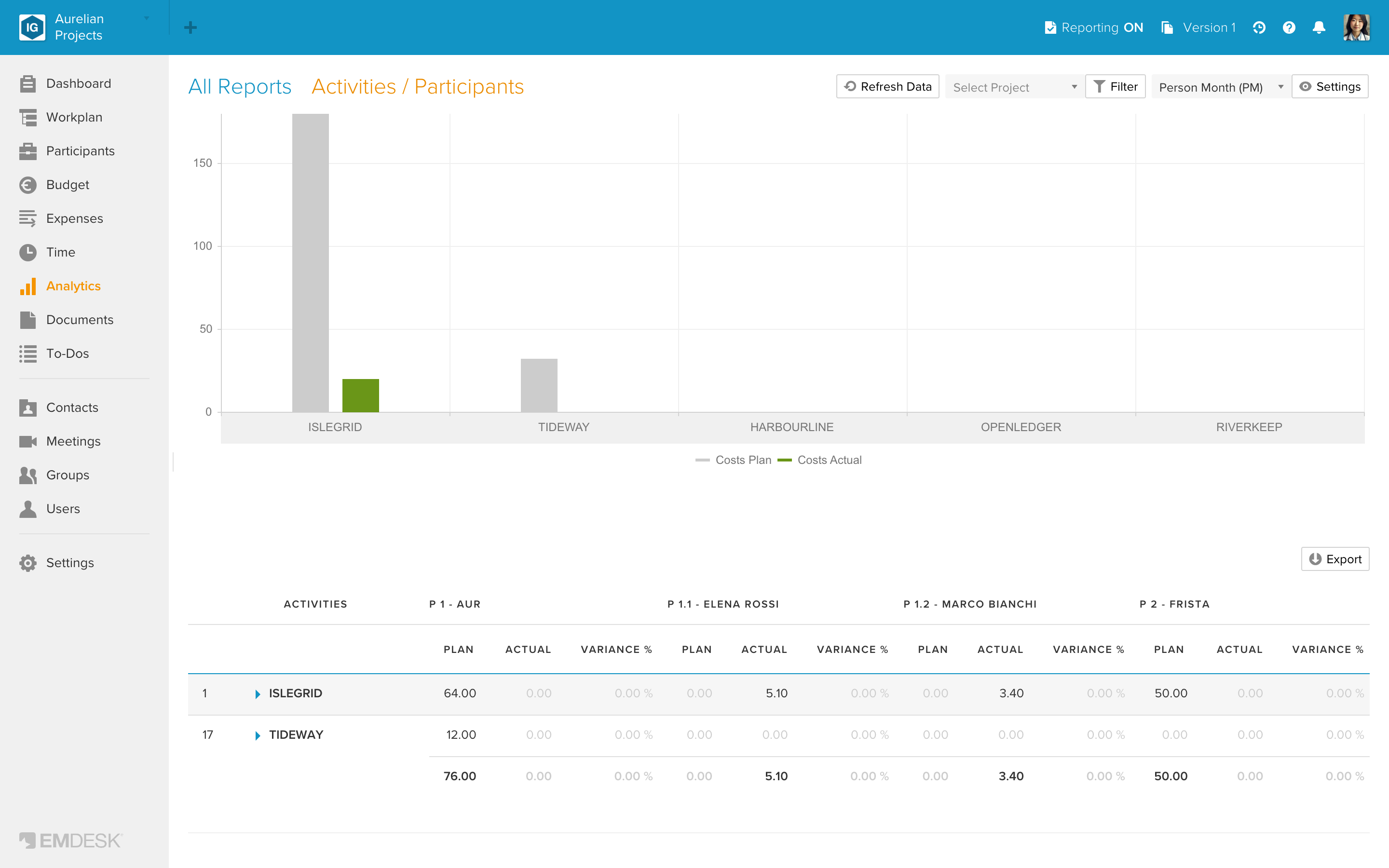
In each report except "Activities / Personnel Cost Rates", scroll down past the costs chart and table to the second chart and table, which show the effort. In the Time reports, "Participants / Activity-Types" and "Activities / Participants" they have the same rows, columns and filters as the costs, with no funding lines and no indirect costs. In the two cost category reports the effort table has only the personnel cost categories as columns. In "Participants / Cost Categories" it also shows the costs next to the effort. See "Read the figures in an Analytics table" for how to read the columns.
Choose the unit
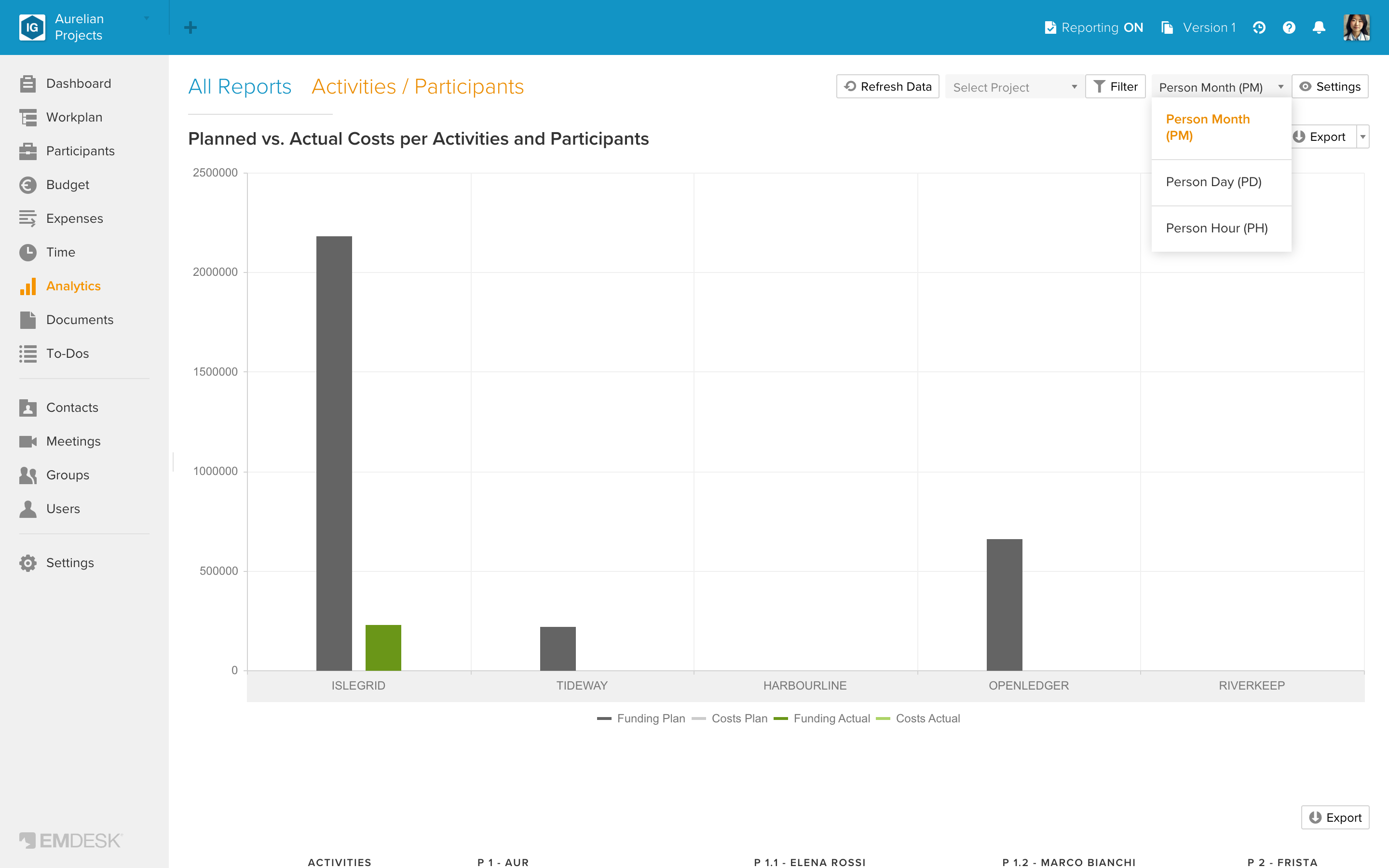
Use the unit dropdown above the report: Person Month (PM), Person Day (PD) or Person Hour (PH). The default is PM. EMDESK converts using the days per month and hours per day set in the personnel cost rate of the entry. The default is 20 days and 8 hours unless you changed them in the rate.
Costs and effort by personnel cost rate
The report "Activities / Personnel Cost Rates" has the activities as rows. Its columns are the participants, each followed by their personnel cost rates. Hide grouped columns hides the participant columns. Its table shows the costs and the effort side by side, and its chart shows the effort. Use it to see which rate carries how much effort on which activity.
Example: monthly effort of one person
- Open the report Activities / Time.
- Click Filter, choose the participant and click Apply.
- Click Settings at the top of the report.
- Switch off Show Plan and click Apply.
- Choose Person Month (PM) as the unit and Calendar Month as the interval.
- Use the table's Export button to download it as an Excel file ("Work with Analytics charts and exports").
This gives the actual effort of that person per activity and month. It is an overview of recorded effort. It is not a signed timesheet.