
Restore documents or folders from trash
Restore a document or folder you moved to the trash.
💡 Note: You need Manage rights to the item to restore it (see Roles and access rights). The restore icon only appears on items you may restore.
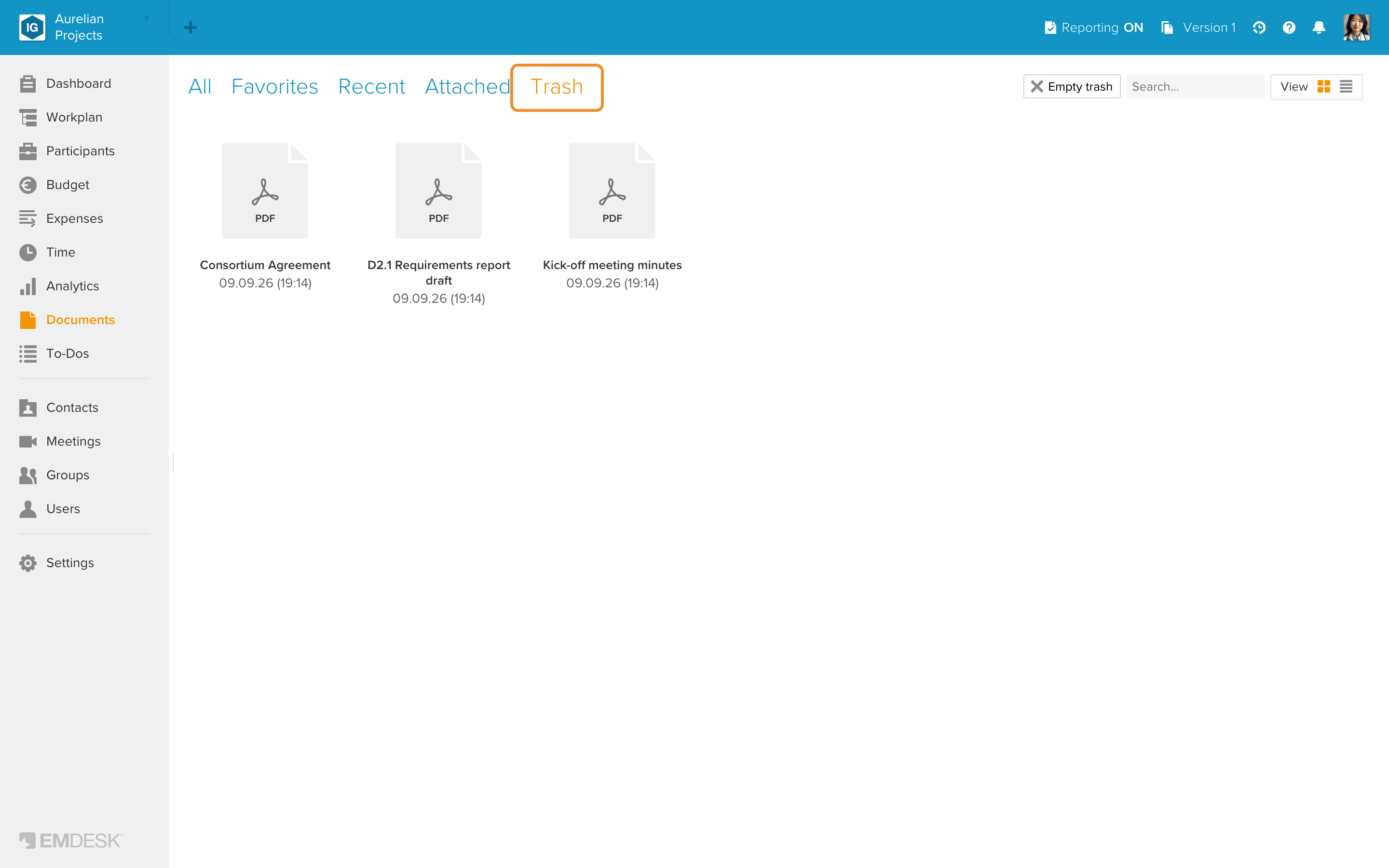
- Open Documents and click the Trash tab at the top.
- Hover over the document or folder you want to restore. The Restore icon (an arrow pointing back) appears on the tile. Click it.
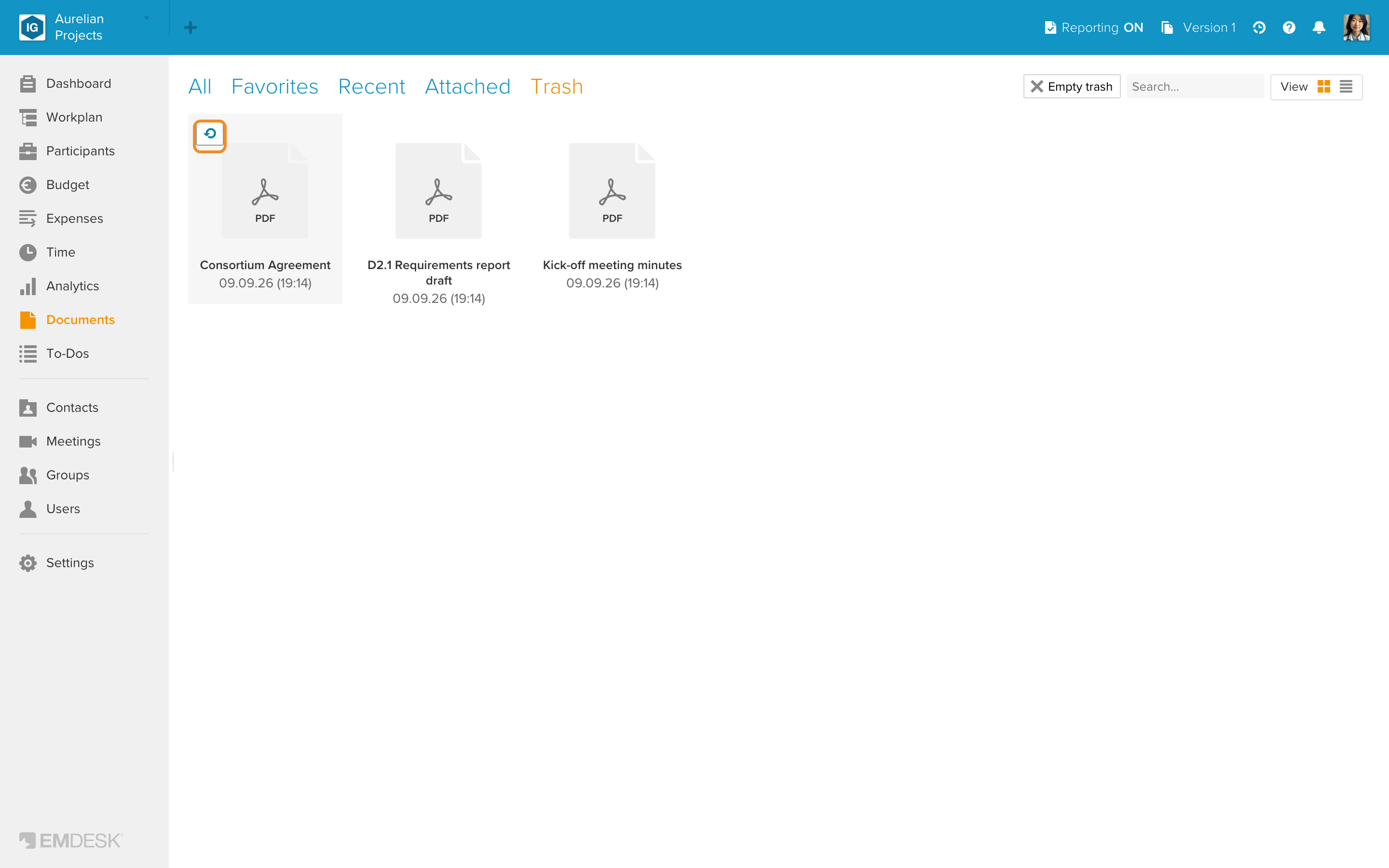
In the list view, the Restore icon is always shown at the end of each row.
- The item is restored to its last location in the folder structure. In the confirmation message, click Reveal Folder to go straight to that folder.
See also Delete documents or folders and Empty the Trash in Documents.